
Key takeaways
- A general-purpose CMS carries code built for every use case, whereas custom native code executes only your business logic.
- Fewer third-party plugins means a smaller attack surface and fewer forced upgrade cycles.
- Content teams keep their autonomy through a custom admin interface, and the company owns its source code.
Performance and scalability: beyond the brochure specs
Many US enterprise decision-makers first look at a content management system (CMS) because vendors promise rapid deployment and ease of use. These benefits are real for many websites, but they come with trade-offs that become visible under the demands of a high-traffic corporate environment. A typical CMS is designed as a general-purpose tool. It therefore ships with features, database queries and layers of logic intended for everyone from independent bloggers to mid-sized retailers, and this generic structure becomes a bottleneck when the platform carries heavy enterprise load.
Picture a B2B procurement platform processing thousands of complex transactions at the same time, or a secure customer portal serving a large number of concurrent users. Under these conditions, a standard CMS must run through layers of logic that the project does not need before rendering a single page, which increases latency and degrades the user experience. Corporate buyers expect immediate responses, and slow load times raise bounce rates while reducing the number of qualified leads.
Search engines take page experience into account as well, so a heavy platform also weighs on organic visibility. Custom native code, by contrast, is written from the ground up to execute your exact requirements. Each database call and each architectural decision is calibrated to your business logic and to your expected traffic patterns, which leaves room for speed and efficiency that a generic tool cannot match.
With a specialized development team, an enterprise can tune server configuration and application logic for peak demand without paying for unused features. Whether the platform grows horizontally by adding servers or vertically by upgrading existing infrastructure, a custom architecture avoids the plugin conflicts that frequently destabilize modular setups. This is the core of our custom web development expertise: the platform supports growth instead of slowing it down.
Security and data integrity: protecting enterprise assets
Cybersecurity is a commercial concern that directly affects company value. A single data breach can damage brand trust, trigger regulatory penalties and expose sensitive client information. Reputable CMS platforms publish regular security patches, but their popularity and modular design make them a frequent target for automated attacks, and a site built on a mass-market platform shares its vulnerabilities with every other installation.
A standard CMS ecosystem combines a large, generalized codebase with third-party plugins, themes and extensions. Each add-on brings code that your team did not write and does not control. Monitoring the security of dozens of plugins, coordinating their updates and patching exploits across a fragmented system is a resource-intensive and reactive effort, and the wider this attack surface becomes, the higher the operational risk.
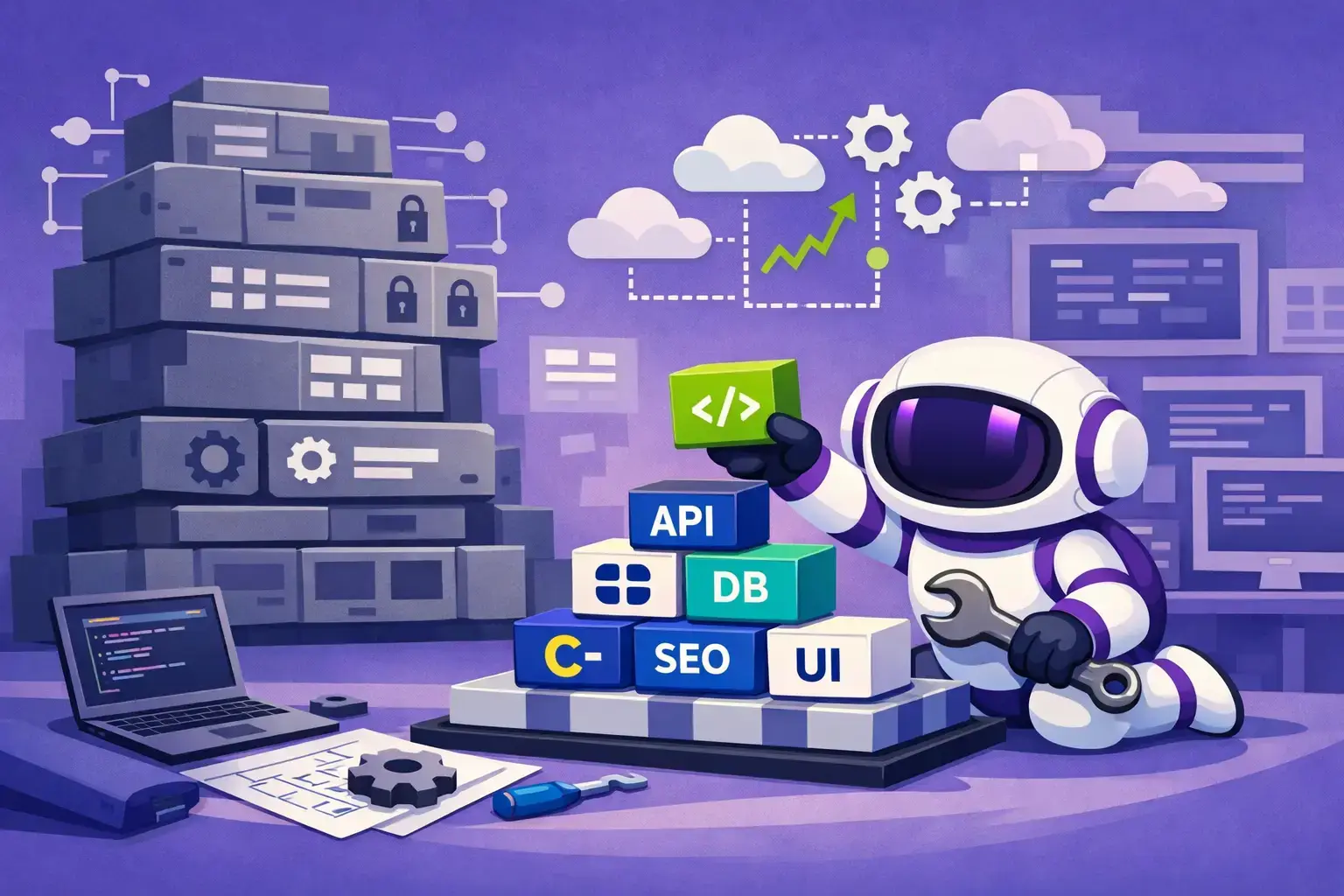
Custom native code establishes a different security posture. Because the platform is written from scratch, it contains no unused features, which removes many of the entry points commonly targeted by attackers. The security architecture is designed for your application's own threat profile, which allows your IT leadership to enforce tailored access control, strong encryption of data in transit and at rest, and private API gateways for critical business systems. Our approach to web security for custom platforms follows this principle.
This approach also makes it possible to build compliance requirements directly into the business logic. For US companies that handle health data subject to HIPAA, or personal information of California residents covered by the CCPA, it is far easier to demonstrate compliance when the system was designed with these rules from the start than when a generic platform has to be adapted through workarounds before an audit.
Total cost of ownership (TCO): the hidden costs of a standard CMS
The commercial appeal of a CMS rests on lower upfront costs and faster deployment. For complex enterprise applications, however, these initial savings tend to fade as the total cost of ownership grows over the years. Several recurring expenses remain invisible during procurement and only appear once the platform is in production.
The table below compares the main cost items over the life of an enterprise platform.
| Cost item | Standard CMS | Custom native code |
|---|---|---|
| Licenses and subscriptions | Enterprise tiers and premium plugins billed every year | No third-party license for the core platform |
| Upgrades | Core and plugin updates that can break features or design | Planned changes on a codebase you control |
| Specific features | Workarounds when the platform reaches its limits | Developed directly in the business logic |
| Dependency | Plugin authors and vendor roadmap | Source code owned by the company |
Building a digital presence on third-party plugins also creates a form of vendor lock-in. You depend on external developers to maintain their code, and when a plugin is abandoned, the feature it provided can disappear with it. Major upgrade cycles regularly introduce breaking changes and database incompatibilities, so internal IT teams spend time resolving conflicts instead of building features that generate revenue. The same mechanism explains why technical debt in legacy web applications grows so quickly on heavily extended platforms.
With custom native code, the initial investment builds a proprietary asset that the business owns outright. Recurring third-party license fees disappear, maintenance focuses on a streamlined codebase, and changes are planned rather than imposed. Over several years, the absence of vendor fees and the reduction in troubleshooting time usually tip the balance in favor of the custom approach, a logic we detail in our ROI comparison of custom software and SaaS.
Content autonomy without a standard CMS
The most common objection to custom development is the fear of losing autonomy, and of having to call a developer to change a single word on a page. This concern is legitimate, because marketing teams need to publish quickly. Choosing custom code does not mean giving up a content management interface: it means replacing a generic one with an interface built for your team.
On our custom projects, we install our own admin interface, designed for the content and workflows of the client. Editors manage pages, news and media without risking the layout, and every text or image they add produces clean code that does not slow the site down. The interface contains only the functions your team uses, which makes it simpler to learn than a general-purpose dashboard.
Ownership completes this autonomy. At delivery, the company is the sole owner of its source code and remains free to host the platform wherever it chooses and to evolve it at its own pace. For a CTO, this independence from any vendor roadmap is often as decisive as the performance gains.
Innovation and differentiation: building a unique competitive edge
In crowded B2B markets, technological differentiation helps capture buyer attention and convert it into business. A website or application built on a template-driven platform leaves limited room for innovation: if you use the same foundation as your competitors, your user experience will tend to look and behave like theirs.
Personalized user journeys, proprietary data visualization tools and deep integration with internal legacy systems are all constrained by the predefined architecture of a CMS. Sales and marketing teams then adapt their strategy to the functions available in the plugin marketplace, rather than to what their buyers need.
Custom native code removes these constraints. If your organization needs a specific integration with an ERP or a CRM to automate supply chain workflows, custom development makes it possible. If marketing needs a recommendation engine to support cross-selling, the feature is built for your data and your catalog. Decoupled approaches can also help when several front ends share the same content, as explained in our article on headless architectures for B2B portals.
Because you own the codebase, you control your time-to-market: there is no need to wait for a third-party vendor to release a feature before launching your own. This agility allows the company to respond quickly to new opportunities and to build digital experiences that strengthen client loyalty.
Choosing the right foundation for your next platform
For executive teams, technology procurement is no longer an administrative support function but a strategic decision with long-term financial consequences. Choosing a foundational platform for its initial convenience, without modeling its operating costs and limits over several years, exposes the company to expensive migrations later.
A standard CMS remains a sensible option for a simple editorial website with standard needs. The difficulty arises when complex, proprietary business logic has to run on software designed for a mass market, because every specific requirement then becomes a compromise. Custom native code aligns the platform with your revenue objectives and gives you full control and ownership of the technology stack, without depending on the product roadmap of an external vendor.
This independence also provides the flexibility to unify scattered digital tools into a single, coherent platform. Internal operations become simpler, manual data entry decreases and information flows across departments. The combination of performance, security, a controlled total cost of ownership and the freedom to innovate is the reason why we choose custom native code over a standard CMS for our enterprise clients.
If your platform is approaching its limits, the right starting point is a scoping phase that compares both options against your actual requirements, integrations and growth plans. The way we run that scoping phase is described on our approach page.
- vote(s)