
Key takeaways
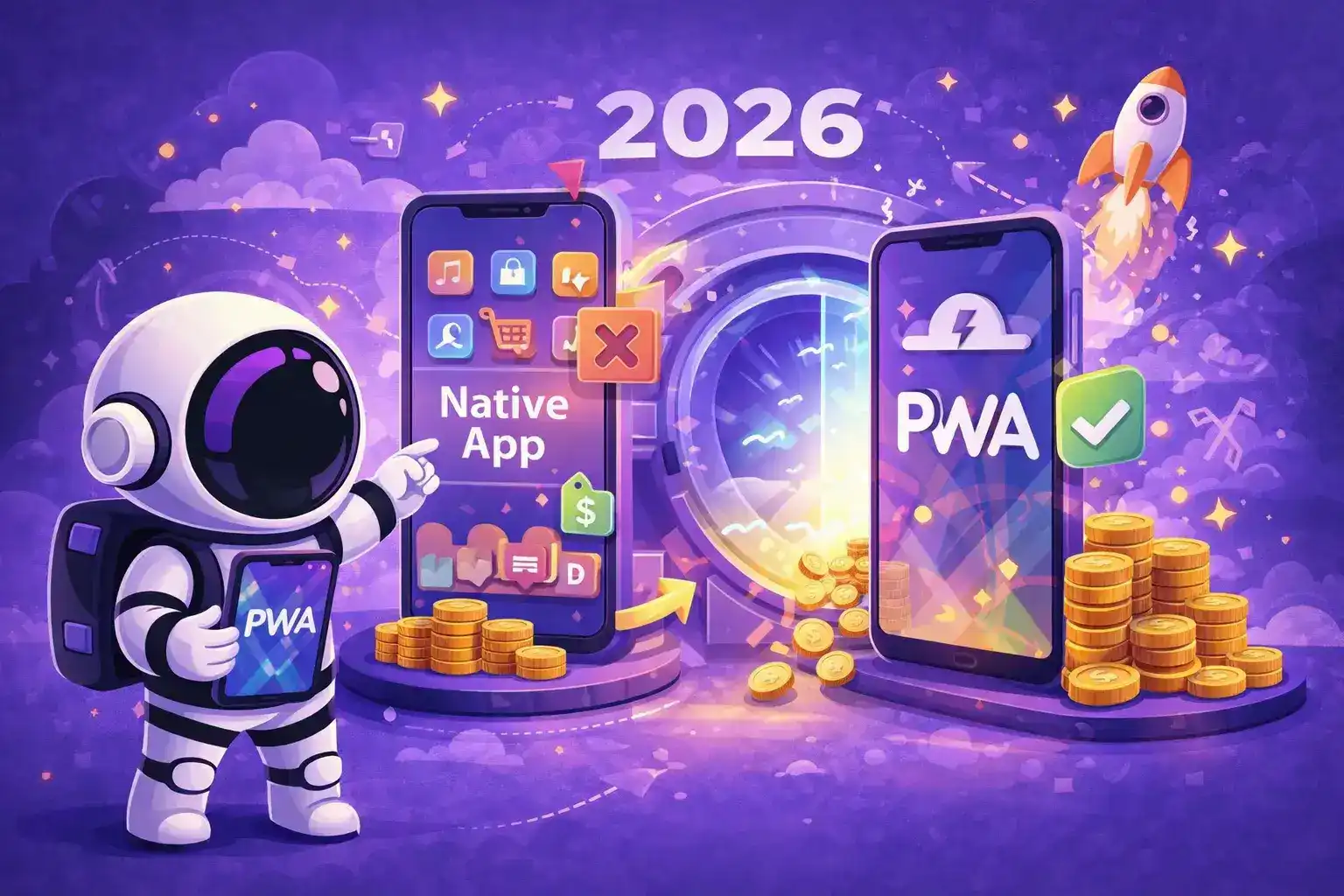
- A progressive web app runs on every device from a single codebase, can be installed and keeps working offline.
- Updates go live on your server without store review, which shortens time-to-market and lowers maintenance costs.
- Native apps remain justified for deep hardware integration or when your clients expect a store listing.
Why progressive web apps matter for B2B companies in 2026
Speed, accessibility and cost-efficiency now weigh heavily in the way B2B organizations choose their mobile strategy. Progressive web apps (PWAs) have moved from an emerging technology to a mature architecture for client portals, field tools and internal dashboards. According to the MDN documentation on progressive web apps, a PWA is built with web platform technologies, runs on multiple platforms from a single codebase and, like a platform-specific app, can be installed on the device and operate offline. For CTOs, founders and marketing directors, this combination changes the economics of mobile development and protects the return on investment (ROI) of every feature.
B2B buyers have high expectations and little patience. Asking a prospective client or a busy supplier to find your app in a store, download it and manage its updates creates friction before any value is delivered. A PWA removes most of that friction: users open your client portal, business tool or dashboard from a simple URL in any browser, and can then add it to their home screen if they use it regularly.
Our team builds custom web applications and PWAs around the client's own business logic rather than adapting operations to a generic mobile template. This approach suits needs ranging from secure B2B customer onboarding to internal data management, and it consolidates the company's digital footprint into a single application that is easier to evolve and to budget.
The hidden financial drain of native app development
The appeal of dedicated native applications often hides a significant financial and operational burden. A fully native experience usually means maintaining separate codebases for iOS and Android, with two development streams, two release schedules and two sets of bugs to fix. Cross-platform frameworks reduce part of this duplication, but the application still depends on two stores and two operating system release cycles. For growing companies and established enterprises alike, this duplicated effort absorbs resources that could fund product innovation or market expansion.
Ongoing maintenance adds a permanent cost. Each time Apple or Google releases a new operating system version, introduces new devices or updates its store guidelines, the engineering team must check, adjust and resubmit both applications. This cycle of mandatory updates turns part of the IT budget into reactive maintenance and increases the total cost of ownership (TCO) over the years.
App stores also introduce external control over your release schedule. Store review processes can delay security patches or anticipated features, and keeping a website, an iOS app and an Android app synchronized complicates marketing campaigns. Analytics become fragmented across platforms, which makes it harder for CMOs to follow user journeys and optimize acquisition. Revenue is affected as well: Apple, for instance, takes a commission on paid apps and in-app purchases, reduced to 15% only for developers enrolled in its Small Business Program.
Maximizing ROI through a unified codebase architecture
The financial case for PWAs targets precisely these inefficiencies. A PWA relies on a single codebase built with standard web technologies (HTML, CSS and JavaScript), so one team produces an application that works on desktop monitors, tablets and smartphones. This consolidation lowers the initial development cost and reduces the effort required for ongoing support.
Because the application lives on the web, maintenance becomes simpler. When the team ships a feature, fixes a vulnerability or refines the interface, it deploys the code once to the server, and every user gets the new version the next time they open the application. No store submission is needed, so clients and employees always work with the most secure and complete version of the software without any action on their devices.
The table below compares the two approaches on the criteria that matter most to B2B decision-makers.
| Criterion | Progressive web app | Native apps |
|---|---|---|
| Codebase | One codebase for all devices | Usually one per platform |
| Distribution | A URL, with optional installation on the home screen | App Store and Google Play |
| Updates | Deployed on the server, available immediately | Subject to store review and user updates |
| Offline use | Possible through service workers and caching | Native |
| Push notifications on iPhone | Since iOS 16.4, once the app is added to the Home Screen | Native |
| Search visibility | Pages can be indexed like a website | Content not indexed as web pages |
| Hardware access | Growing, but more limited | Full |
On the server side, a well-optimized PWA often requires a simpler infrastructure than the backend APIs needed by several separate native apps. Lighter applications also consume fewer resources on users' devices and on servers, a benefit we develop in our article on digital frugality in clean code.
Accelerating time-to-market and operational agility
In competitive B2B sectors, the ability to design, build and launch new digital capabilities quickly gives a clear edge over slower competitors. PWAs shorten time-to-market because developers no longer write and test the same features for several operating systems in sequence. New tools and client-facing features move from staging to production much faster than in a dual native setup.
This agility continues after launch. B2B software needs regular adjustments based on user feedback and regulatory changes, and with a PWA these adjustments can be published as soon as they are tested. If a key client asks for a change to a reporting dashboard, the team can release it without waiting for a store review, and urgent fixes reach users in the same way.
Continuous delivery also changes the way product managers work. Beta features can be released to a segment of users, analyzed with real engagement data and refined before a general rollout. This "test and learn" approach reduces the financial risk of large, infrequent updates and keeps the product aligned with what the market actually asks for.
Building user experiences that generate leads
For marketing directors and sales executives, a digital platform must capture attention, build trust and generate qualified conversions. PWAs support lead generation in a way native apps cannot match: because their pages are web pages, they can be indexed by search engines and attract prospects directly from search results. This visibility depends on proper rendering, a point covered in our guide to technical SEO for JavaScript frameworks.
Once a prospect lands on the application, browser capabilities give it the behavior of an installed app. Service workers cache resources so that users can reopen previously loaded data, review documents or fill in forms on an unstable connection, which avoids interruptions in field work. Push notifications let marketing and account teams re-engage users with updates, renewal reminders or new feature announcements. On iPhone and iPad, web push has been available since iOS 16.4 for web apps added to the Home Screen, and the permission request must follow a user action such as tapping a subscribe button.
Installation on the home screen is another advantage for adoption. In a few taps, a client saves the PWA icon on the device, where it opens like any other application, without the commitment of a store download. Combined with fast loading through caching, this reliable interface encourages deeper engagement and increases the probability that a user completes a valuable action, such as requesting a demo or submitting a request for quotation. The link between speed and conversion is detailed in our article on how web performance increases B2B lead generation.
When a native app is still the right choice
A PWA is not the answer to every mobile project, and a credible recommendation must say so. Native development remains justified when the application depends on deep hardware integration, such as specialized Bluetooth peripherals, intensive background processing or advanced camera functions. It also makes sense when your clients explicitly expect to find you in an app store, or when your business model relies on store distribution.
Between these two extremes, hybrid strategies exist. On Android, a PWA can be wrapped in an application through a Trusted Web Activity, which keeps a single web codebase while offering a store presence. The decision should therefore start from user needs and from the features that are truly required, not from a technological preference.
Planning your enterprise transition to a PWA
For decision-makers convinced by the benefits of PWAs, execution requires a phased strategy. Migrating is not a simple translation of code but a realignment of IT resources and acquisition strategy. The first phase is an audit of the current mobile footprint, in which leadership calculates the real TCO of the existing native applications, including development costs, delayed launches and conversions lost to installation friction. This baseline justifies the modernization.
The transition does not require shutting down existing native assets overnight. Many companies first deploy a PWA as the main mobile entry point for new customer acquisition, while keeping a legacy native app for specific hardware integrations if they are still needed. Turning the core web presence into a fast PWA brings the search visibility and the frictionless mobile experience without disrupting workflows that already depend on the native app.
A successful transition depends on a team that understands B2B constraints: security architecture, API integrations with your CRM or ERP and data compliance. By choosing a custom PWA, your organization reduces its dependence on third-party store policies, lowers its development and maintenance costs and delivers a more accessible digital product to its clients. The first step is a scoping discussion that maps your users, their devices and the systems the application must connect to.
- vote(s)